
Recommended Multi-Account Setup
Learn how to safely manage multiple accounts for DM automation without getting banned
We often get asked: "How do I buy aged accounts?" and "How do I manage multiple accounts without getting banned?"
This guide teaches you how to multi-account safely for DMing.
Buying Aged Accounts
X (Twitter) Accounts
We buy aged boosted X (Twitter) accounts that are at least 1 year old, registered in the USA on:
Critical: IP Address Management
Do NOT connect to multiple accounts using your primary IP address. This is how you get all your accounts linked together and banned.
You need to set up a different IP address per account and only connect to these accounts with that IP address.
Account Management Software
We recommend using dedicated software to manage multiple accounts solo or across teams:
Note: This software helps you manage multiple accounts with different browser fingerprints and IP addresses, making it appear as if each account is being accessed from a different device and location.
Dedicated Proxies
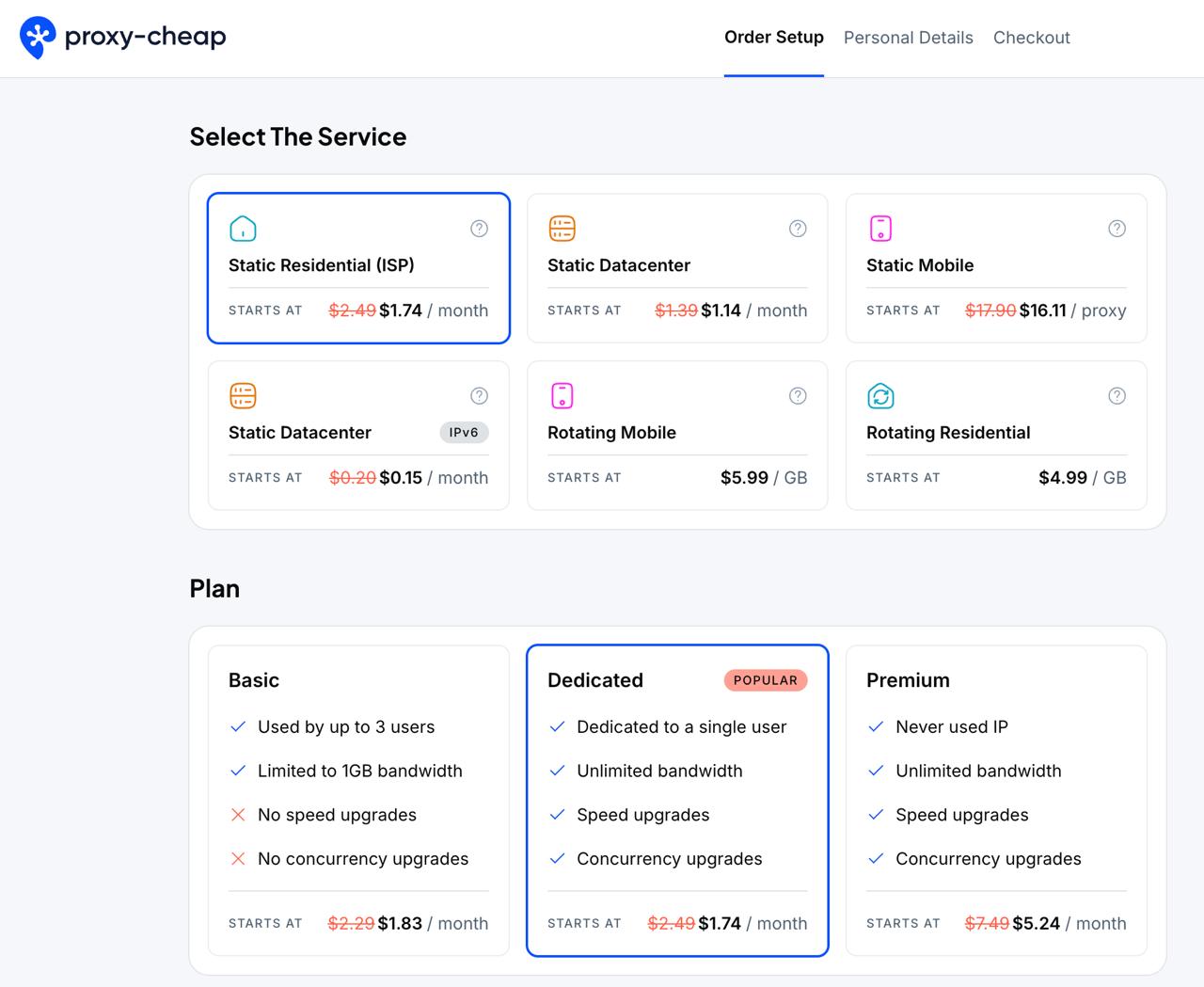
You need a dedicated static residential proxy per account.
For proxies we recommend:
It's affordable and runs on high quality IPs.
Important: Do not use the same IP address with multiple accounts on the same platform. It is safe to use the same IP for different platforms (e.g., one IP for Reddit, and X).
14-Day Warm-Up Protocol
Follow this 14-day warm-up protocol for each account for safe DMing:
- 1 Scroll for 15-30 minutes per day - Browse the platform naturally, you can use DM Dad's free account warm up feature to automate this.
- 2 Like/Downvote non-spammy content from high quality accounts (hover over them to make sure they are few years old with followers/karma)
- 3 Drop 2 comments every day - Engage naturally with the community
- 4 Starting day 3, post 1 post per day without links or promo
- 5 Use the same IP address while you do this warm-up
Key Point: Just act like a normal user; not like a marketer. Use the platform for 15+ minutes per day to build usage history.
For X (Twitter): It's recommended to buy verification on day 2 so you can send more DMs and look more legit.
Running DM Dad on the Cloud
To run DM Dad on the cloud at scale, we recommend this virtual machine:
Need Custom Setup?
If you want a custom script to open/close browsers automatically and start automations on the cloud, or want accounts set up for you, contact us with your needs.
Contact UsQuick Summary
- Buy aged accounts (1+ year old for X, 2 years for Reddit)
- Use different IP address per account (never share IPs with different accounts on the same platform)
- Use account management software (AdsPower recommended)
- Get dedicated static residential proxy per account
- Follow 14-day warm-up protocol before sending DMs
- For X: Buy verification on day 2 for better DM limits